NVIDIA finally releases stable App with DLSS 4.5 support
NVIDIA’s planned NVIDIA App rollout did not land on January 13. The update started rolling out on January 14, moving the DLSS 4.5 Super Resolution controls from the beta channel into the stable branch. This is the same NVIDIA App v11.0.6 feature set that was already available to beta users. The stable release showed up a day later than the company’s earlier timing.
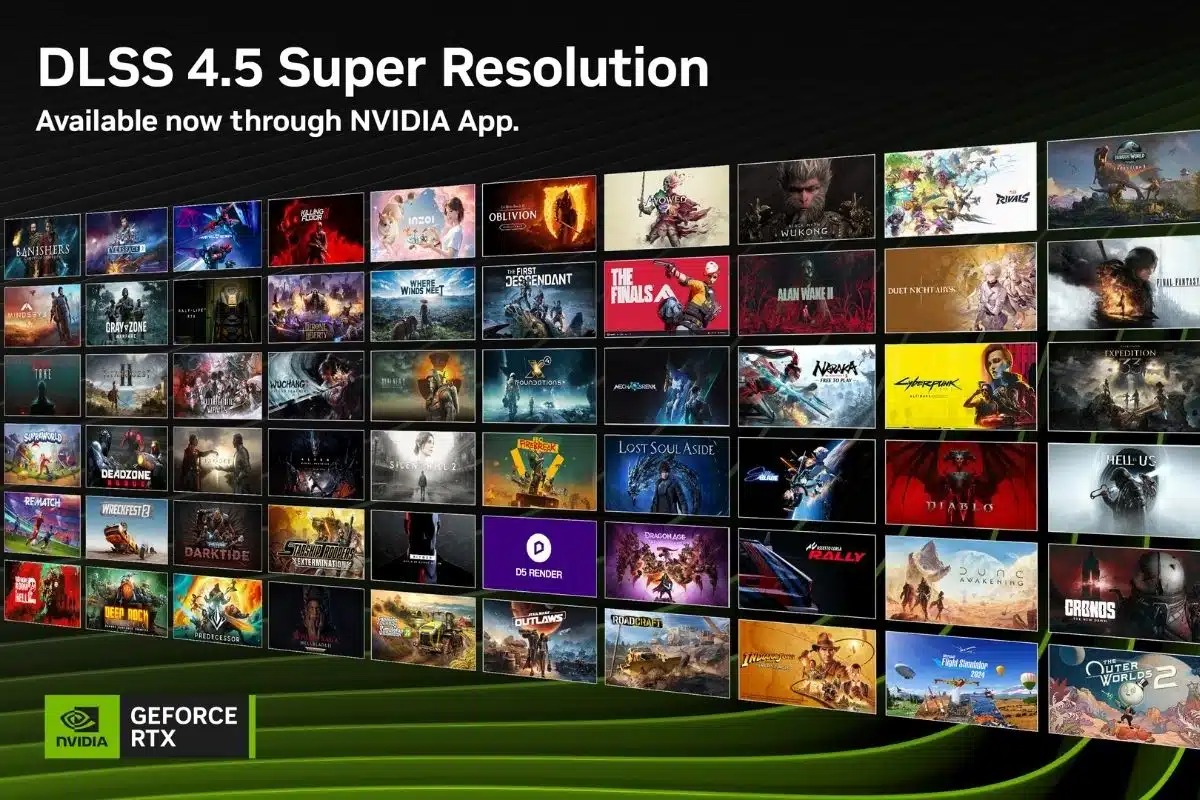
DLSS 4.5 Super Resolution is based on a second-generation transformer model. In the NVIDIA App, it is enabled through DLSS Override settings and can be applied per-game or globally, including to older titles. NVIDIA says the overrides work across 400+ games and apps, and across GeForce RTX 20, RTX 30, RTX 40, and RTX 50 series GPUs.
NVIDIA also says the new model is heavier to run, using five times the compute of the earlier transformer model. Reports from early testing suggest older RTX cards can take a noticeable hit when using DLSS 4.5 compared to earlier models, so the best results tend to come from newer architectures with more headroom.
Source: NVIDIA
New “Recommended” setting for DLSS 4.5
What’s new is the Recommended setting for the DLSS Override. There was some confusion in the previous beta release, where the option was called Latest, which was not always the right choice for a specific GPU. By choosing Recommended, the NVIDIA app selects the most suitable profile for you. NVIDIA explains:
This new “Recommended” setting replaces “Latest” to better align with the two new DLSS 4.5 Super Resolution models: Model M is optimized for DLSS Super Resolution Performance mode, and Model L is optimized for 4K DLSS Super Resolution Ultra Performance mode. While both models are supported for both DLSS Super Resolution Quality and Balanced modes, and DLAA, users will see the best quality vs. performance benefits in Performance and Ultra Performance modes.
Please note that GeForce RTX 20 and 30 Series GPUs lack native FP8 support, so Models M and L carry a heavier performance impact for these GPUs. Those users may therefore prefer to remain on Model K (DLSS 4.0), for an optimal balance of performance and image quality. With the NVIDIA app’s DLSS Overrides, you control the Model, and the balance between image quality and performance for your PC.
To verify that the intended model is enabled, turn on the NVIDIA app overlay statistics view via Alt+Z > Statistics > Statistics View > DLSS.
Alongside DLSS 4.5, v11.0.6 continues NVIDIA’s Control Panel migration into the app. The update brings remaining NVIDIA Surround options into the app, including bezel correction and hotkeys, and adds a System “Debug Mode” that disables overclocks and voltage tweaks until restart. Laptop users with Advanced Optimus also get clearer reporting on which apps are blocking activation.
NVIDIA also highlighted a couple of recent RTX titles that can use the DLSS override path in the app, while Multi Frame Generation 6x remains planned for a later NVIDIA App update in spring 2026.
Source: NVIDIA
Source: VideoCardz
Author: VideoCardz